
Create a lifecycle management template
A template is the set of policies and telephony settings applied to a user, the persona you assign either by hand or through a security group. Create a template before you apply one manually or bind one to a security group.
To create a template:
-
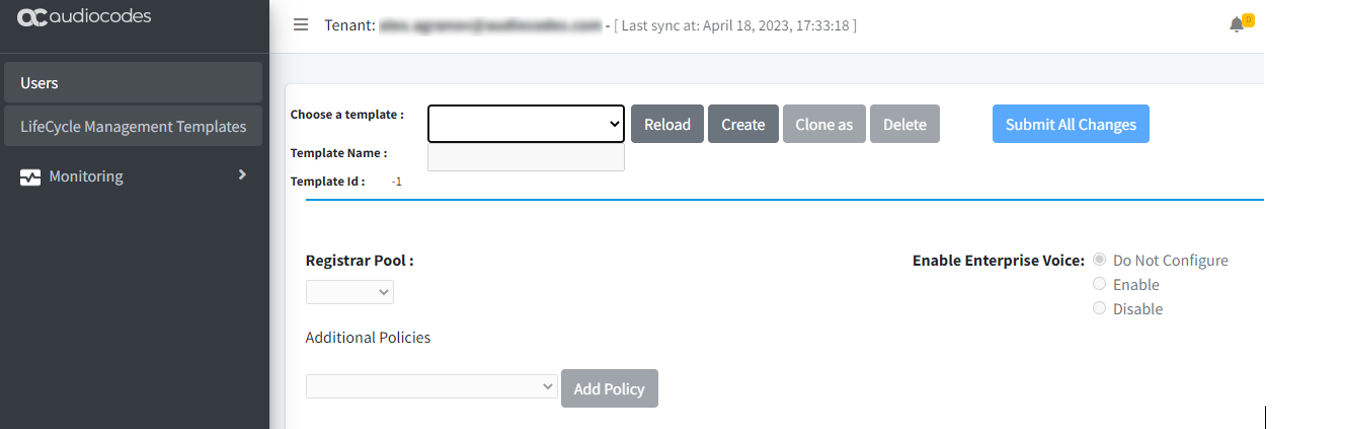
In the Teams Management portal, select Lifecycle Management Templates.
-
Click Create.
-
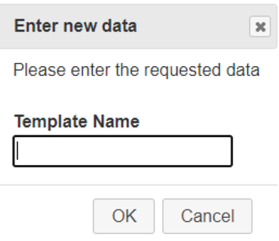
In the 'Template Name' field, enter a name.
-
Click OK.
-
In the 'Enable Enterprise Voice' field, click Enable.
-
Under Additional Policies, add the
OnlineVoiceRoutingpolicy, and then set it toLiveHub {teamsConnectionPrefix}.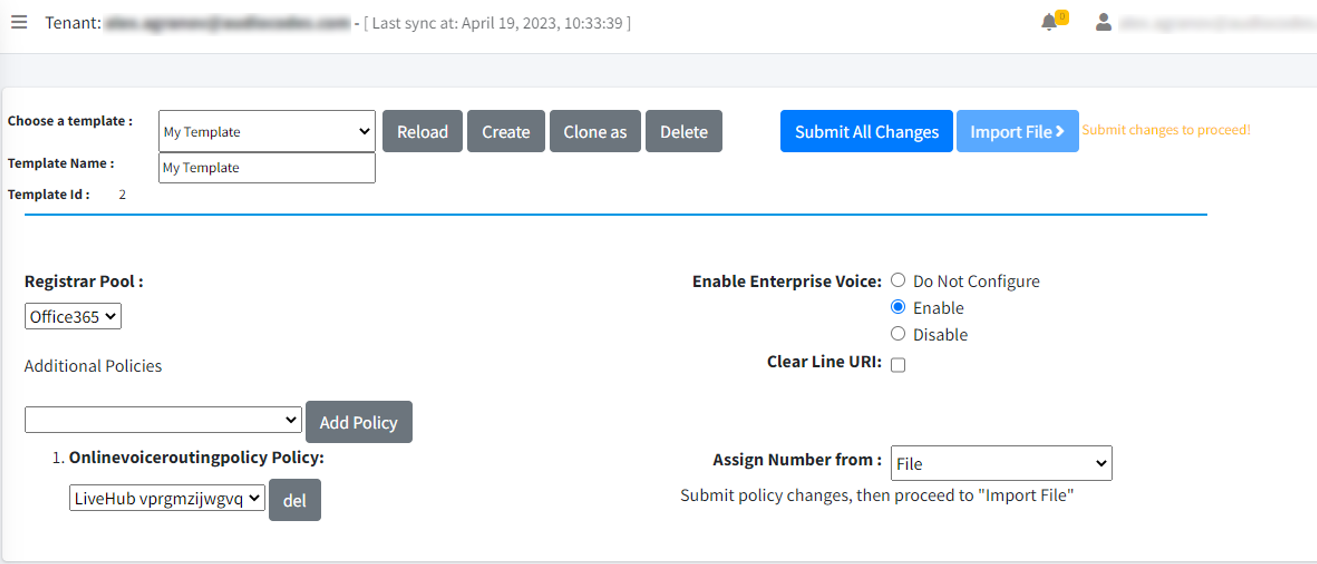
-
Optional: Add any other policies you need.
-
Click Submit All Changes.